Copy any post: give your agent a viral format to follow
Quick answer
Copy any post means copying the format that made a post work, not the post itself. Paste a TikTok slideshow that is going viral, or point to an account whose style you like, and your slideshow agent posts in that template every day, rebuilt about your product with your own photos and words. Nothing from the original is reposted.
Is copying a viral format the same as reposting it?
No. Reposting or stitching someone's post puts their content on your account. Copying the format keeps what made the post work, the hook, the order of slides, the layout, and rebuilds the rest from scratch. The result is a new post that happens to follow a proven shape.
Think of a recipe. The structure is the recipe. The content is the dish, and you cook it with your own ingredients. Your agent does that cooking with your product, your photos and your words.
How does copy any post work?
Every agent posts in a template, and there are three ways to give it one.
- Pick one of 100+ templates that are already going viral.
- Paste a TikTok slideshow, and your agent uses it as its template.
- Copy another account's style, and your agent posts the way that account does.
From then on, the agent makes slideshows in that format about your product, every day. Your product is drawn from your own photos, and your AI creator or you can be in them if you want. The agent also learns which formats and angles get more views, and makes more of those.
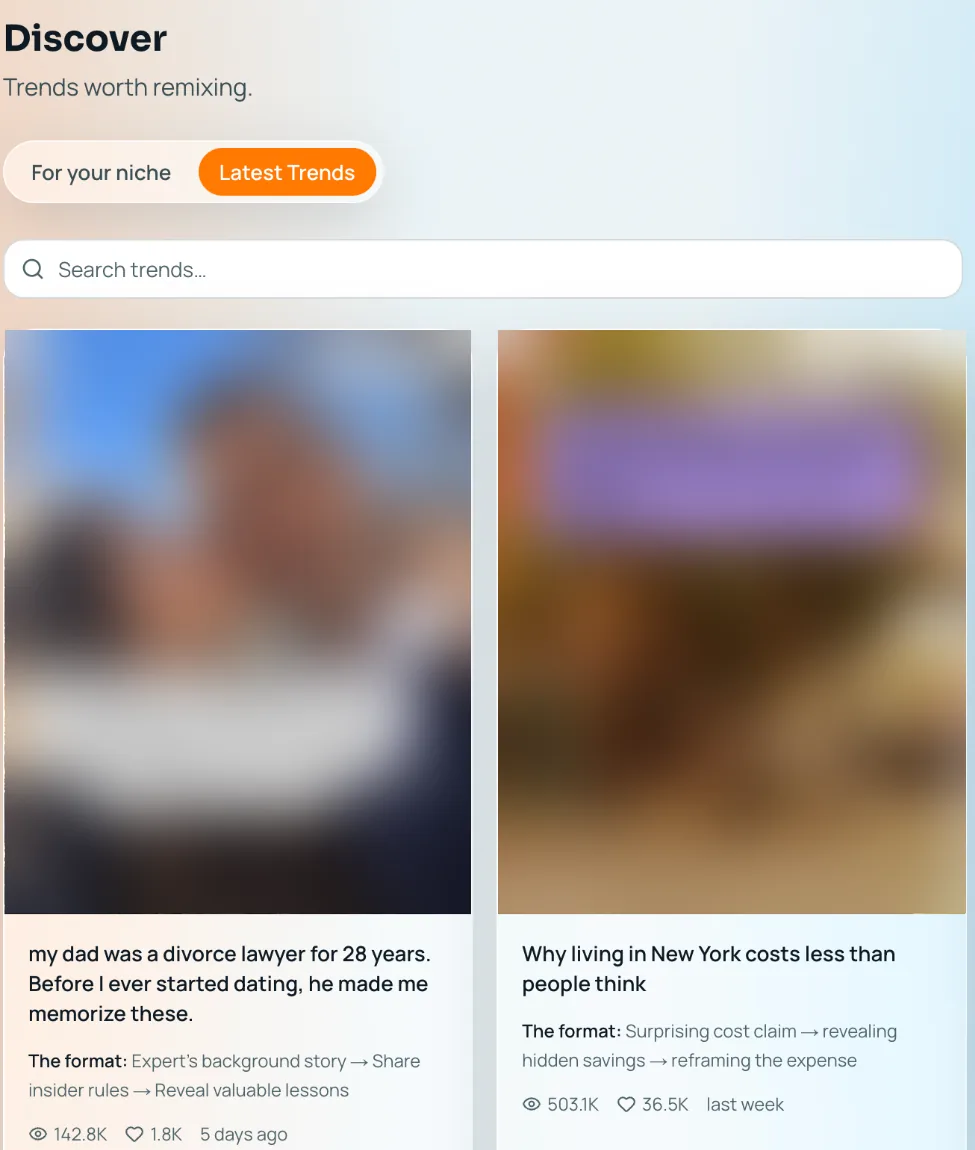
Not sure what to copy? Discover searches TikTok and Instagram for formats creators are using right now, so what you see is recent and relevant to your niche.
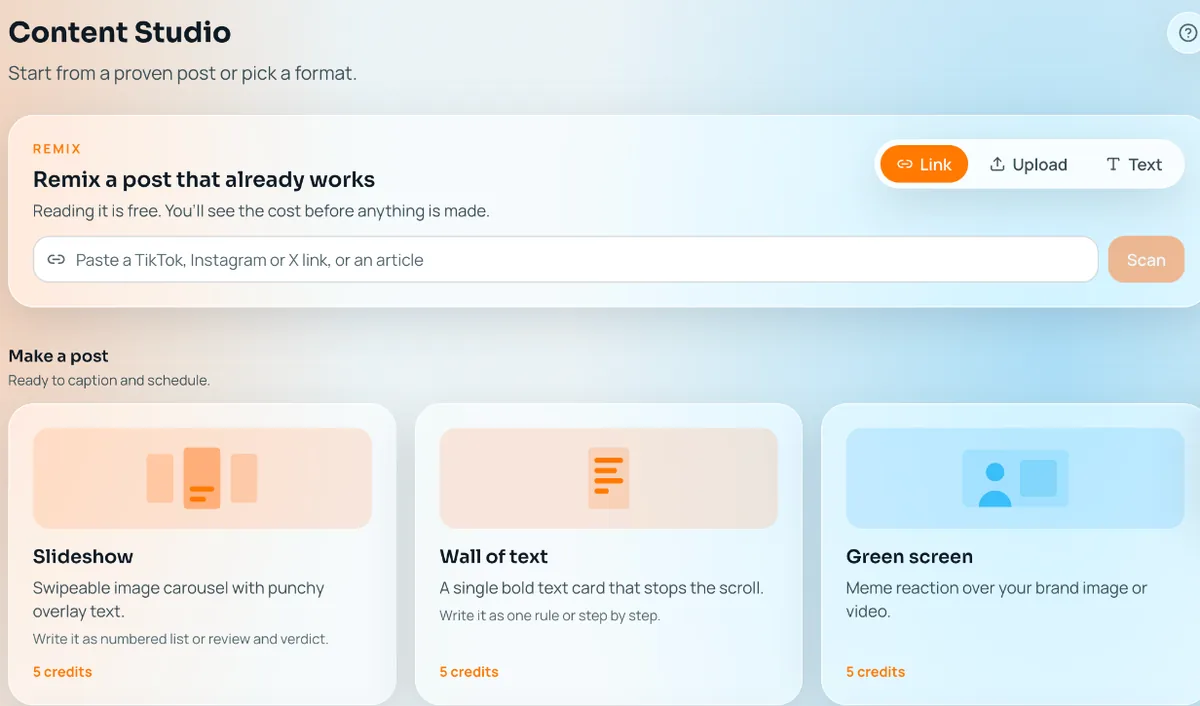
Want to make one post yourself? In Studio, paste a TikTok, Instagram or X link, or an article, and Amplify reads it for free and shows you the cost in credits before anything is made. It comes back as yours, with your creator, your product and your words, in the same structure that made it work. Edit it if you want, then keep it or skip it.
What stays the same and what changes?
The short version: the shape stays, the substance is yours. Here is the split.
| Stays from the original | Changes to yours | |
|---|---|---|
| Hook | The kind of opening that stopped the scroll | The words, written for your product |
| Structure | The order of slides and the pacing | The content of each slide |
| Format | The template and layout: slideshow, wall of text or video | Your own images and clips |
| Person on screen | Nobody from the original | Your AI creator, you, or nobody |
| Product | Not carried over | Your product, from your own photos |
| Original images | Not reused | Rebuilt from scratch |
| Original footage | Not reused | Rebuilt from scratch |
| Sound and topic | The trend you chose to ride | Matched to your niche |
That is why it is a remix and not a copy. The only thing you take is the idea of how it was built.
Can I start from a template instead?
Yes. There are 100+ templates already going viral, and you can give any of them to an agent. Amplify shows built-in and community templates in one ranked grid you can search. You can share your own templates, update or remove them later, and report one that should not be there. In Studio you can also pick a finished video from your Library and remix it into something new.
Can you remix videos too?
Agents post slideshows only. If you want video, you can remix one yourself in Studio, using credits. The remix follows the full source video, up to 30 seconds, and your creator, product and words replace the original ones. You can also turn a remix into a green-screen meme, which puts your creator in front of the trend.
Or add the Hook & Demo Agent, $39 a month per agent, which makes 3 videos a week from your own demo clips. See AI UGC videos for every video option, and TikTok slideshows for how slideshow agents work.
Why start from what's already working?
A blank page is where most brands stall. Starting from a hook or format that is already getting attention in your niche gives you a better first draft than guessing. You still decide what goes out.
It is also how every agent works. Each one takes what is going viral on TikTok and makes it about your product, every day. On "You pick", its fresh posts wait for you each morning in Turbo, and nothing goes out unless you keep it. More in daily content and auto posting.
Worth knowing
A copied format is only as good as your pick. Choose formats that make sense for your niche, and check the posts sound like your brand.
Each slideshow an agent posts uses 5 of its 400 monthly credits, set aside first. Remixes you make yourself in Studio use credits from the rest. Amplify is in beta, so the formats on offer will change as TikTok and Instagram change.
Pricing
You can see your first posts free, with no card. An agent on your own account is $1 for your first 14 days (about 21 posts), then $49 a month until you cancel. An agent on a warmed account is $149 a month. Each agent makes up to 60 slideshows a month and comes with 400 credits: its own posts, plus about 20 of yours. Running 10 or more agents? We build the plan with you on a demo call. See pricing.
Frequently asked questions
Will the original creator's post appear in mine?
No. Your agent rebuilds the format with your product, photos and words. The original images are not reused.
Can I paste a TikTok slideshow for my agent to follow?
Yes. Paste the slideshow and your agent uses it as its template, made about your product.
Can my agent copy another account's style?
Yes. Point your agent at an account you like and it posts in that account's style, about your product.
Does it work for Instagram as well as TikTok?
Yes. Each agent posts to TikTok and Instagram, and Discover shows what is working in your niche on both.
How long can a remixed video be?
A video remix you make in Studio follows the full source video, up to 30 seconds.
Can I change a post before it goes out?
Yes. Swap images, change text, add slides, or add a prompt and regenerate. On "You pick", nothing goes out unless you keep it in Turbo. On "Posts on its own", you get a heads-up and can swap or skip any post on the Calendar.
See your first posts made in formats that already work.
Start for $1$1 for 14 days, then $49/mo. Paste your website and see your first posts in a few minutes.